Product · September 7, 2026
What actually changes when you turn scattered notes into an outline
Most of us keep a script in five places at once. Here is how I move a pile of notes onto the Premiere.Studio outline board, and when I leave the pile alone.

Film students across the country are back at their desks this week, rebuilding a process from scratch or doing it for the first time in their lives. Every September, I end up doing the same thing. And every September I find the same problem: I lacked one place to put them. The script lives in a phone note, a post-it, a voice memo, a document called notes2.docx and a text I sent myself (or to a friend... You know who you are!) at one in the morning. The work of gathering that up is what stops me, not the writing. This is how I do the note gathering in Premiere.Studio, and where I stop.
Five places at once
Ask a working writer where their next script is and watch them count on their fingers. Phone. Notebook. A folder of screenshots. A document from March. The email they sent a friend explaining the whole thing in three paragraphs, which is usually the best version of it that exists.
None of this is a discipline problem. Ideas arrive when they arrive, and you catch them with whatever is in your hand or nearby. As my age advances, I'm finding that it's more important to my process than it ever has been, to write ideas down before I forget whenever or however I can but the cost shows up later. To start writing you first have to reassemble the scattered thoughts, and reassembling is dull, and dull work at the start of a session is a buzzkill and ultimately how a writing session dies. I have lost entire mornings to opening files, resurfacing or reacquainting ideas and deciding what order they go in.
So the useful question isn't how to take better notes. It's how to shorten the distance between a pile of notes and the result you can write against.
What a ScratchPad is for
The ScratchPad is a note surface in Premiere.Studio that is available on all of your devices and sits inside the same project as the script. It is deliberately unstructured. You write into it the way you'd write into a notebook: the character who runs the garage, the thing that has to happen at the airport, the ending you're not sure about, a line of dialogue with nowhere to go yet.
I don't try to be tidy in there. I misspell words and my grammar reflects the environment I found myself in when jotting down the note. I write in fragments. I contradict myself two lines apart. If I know an event has to land in the second half I say so plainly, briskly, in a sentence, and move on. Describing the characters in a line each helps more than anything else I do, because those descriptions are what the ordering later hangs on.
The point of the ScratchPad is that it's meant to be messy and some of my notes in it are really, really rough but its greatest strength is where it lives. It lives in the same Premiere.Studio creative ecosystem. The note doesn't have to be exported, copied or found again. It's already in the same app where the script is and it's fine how it is.
Turning loose notes into ordered beats
When the pad has enough in it, I convert it. The Studio reads the notes and lays them out on the outline board as beats: each one a card, wired in the order the notes implied. If you'd rather bring in something older, a Word file, an RTF or a plain text document imports the same way.
What comes back is not a structure but rather a first arrangement of things you already said, which is a different and, in my opinion, more useful thing. Half of it will be in the wrong place. That's fine, and it's the point. Scene cards drag and the scenes they represent can be effortlessly moved as a whole. Wires between outline nodes can be unhooked and rewired if you need a change. Reordering the board doesn't ask you to retype a word, which means rearranging costs you nothing and there's value in that.
The moment worth paying attention to is the first time you look at the board. You will see gaps. Not gaps the software flagged, gaps you notice because the beats are finally side by side.
When to leave notes as notes
I don't convert everything, and I'd rather say that plainly than pretend the feature is always the answer.
- Convert when you have events, people and an order you half believe in.
- Wait when you have one image, a mood, or a title you like.
- Keep dialogue fragments in the pad; they're tone, not structure.
- Leave open questions as notes until they have answers.
The rest of the session
Once the board exists, the work changes character. You've foraged ideas, thoughts, feelings, tragedies met with victories and now is the time to forge your story. That's the part I like, and it's the part I'd rather spend a morning working on.
If the board looks right but you don't trust it, you can ask Premiere.Studio to analyse the outline with the "AI Orchestrator" and it comes back with notes on the whole board, each one something you take or leave. If a beat is clear enough to write, you can generate the scene from it and then edit, rewrite or even keep what comes back.
None of this is meant to be complicated and I think Premiere.Studio has done a great job at keeping it simple. It's one motion: get the scattered things into one workable space, convert once, then push the cards around and make your edits.
What actually changes is the start of the session. The friction is removed from the beginning of getting your session started and that trades that time so you can be creative. I don't think there's a version of Premiere.Studio that removes the critical, creative thinking. I do think there's a version that stops you spending the good hour of the day looking for a file or worrying about conventions. I like that and I hope you do too and that it works well for you.
If you're rebuilding a process coming back from the holiday weekend, that's the piece I'd build first. Give it a try.
— Justin
More from the Newsroom
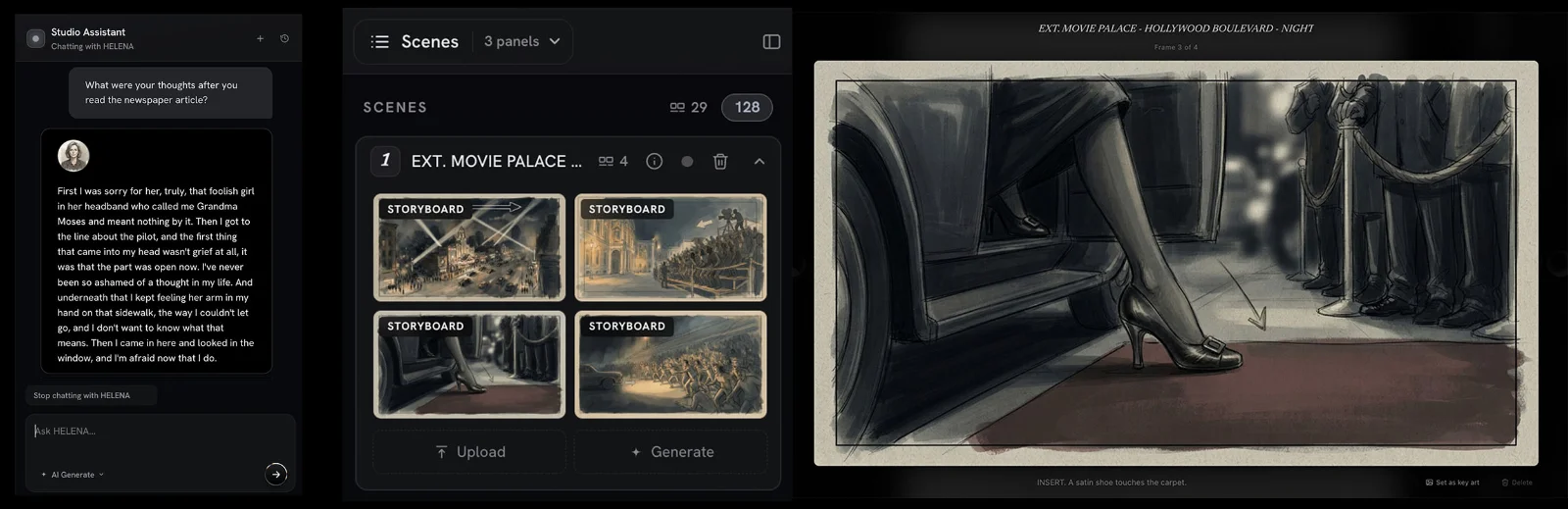
New in the Studio: Interactive Character Chat and Storyboard Generation
Two new features went live in Premiere.Studio this month. Interactive Character Chat lets you talk with any character in your script to peak into what they are thinking, and Storyboard Generation drafts frames and shot options from your scenes. Here's how to use them.
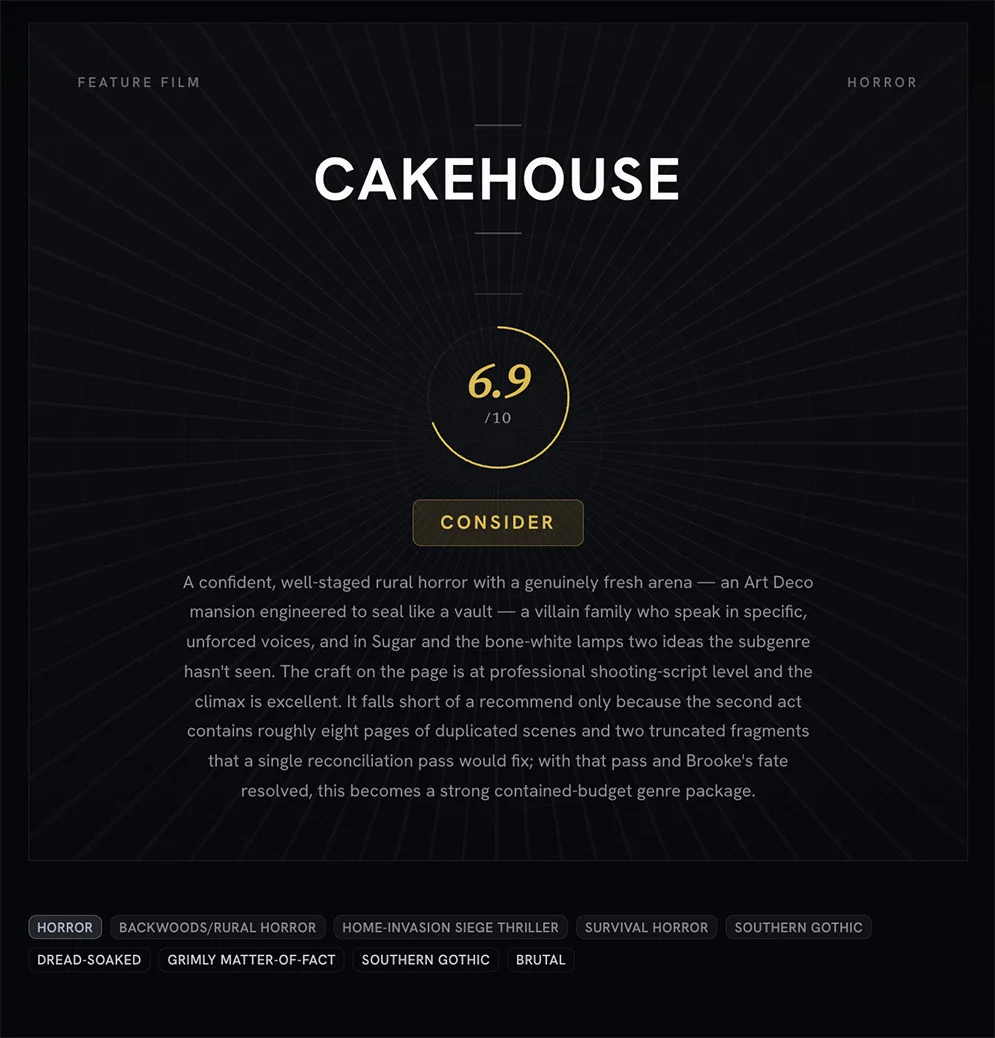
Treat coverage like a progress report and not a final grade
An introduction to what Premiere.Studio's coverage feature is for, and how to read the progress report on a draft without turning it into a final grade.
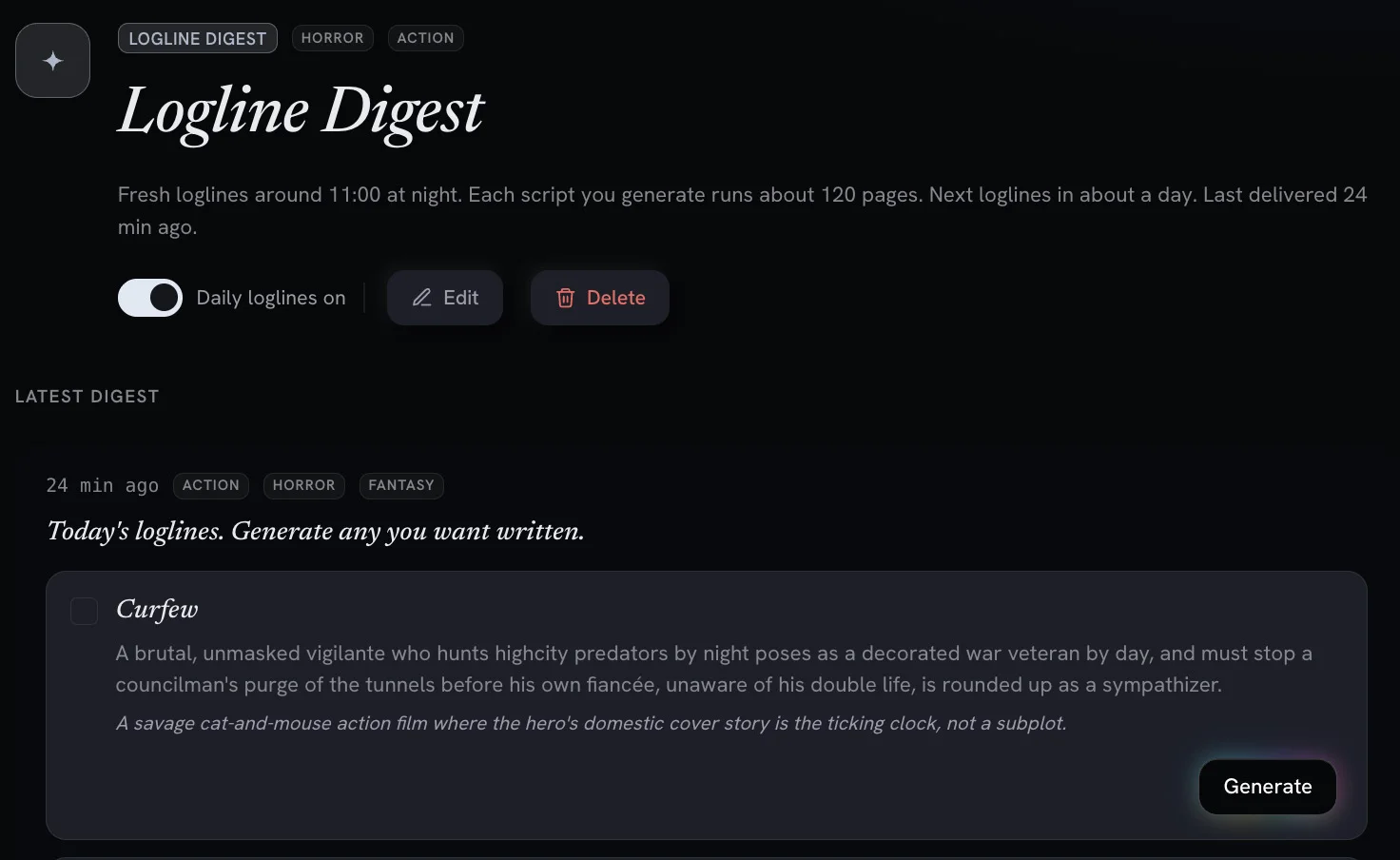
Digests and Workflows: AI Powered Screenwriting Automation Tools
Recurring, automated workflows deliver daily logline previews and digests you can turn into full feature scripts with one click.