Product · October 4, 2026
New in the Studio: Interactive Character Chat and Storyboard Generation
Two new features went live in Premiere.Studio this month. Interactive Character Chat lets you talk with any character in your script to peak into what they are thinking, and Storyboard Generation drafts frames and shot options from your scenes. Here's how to use them.
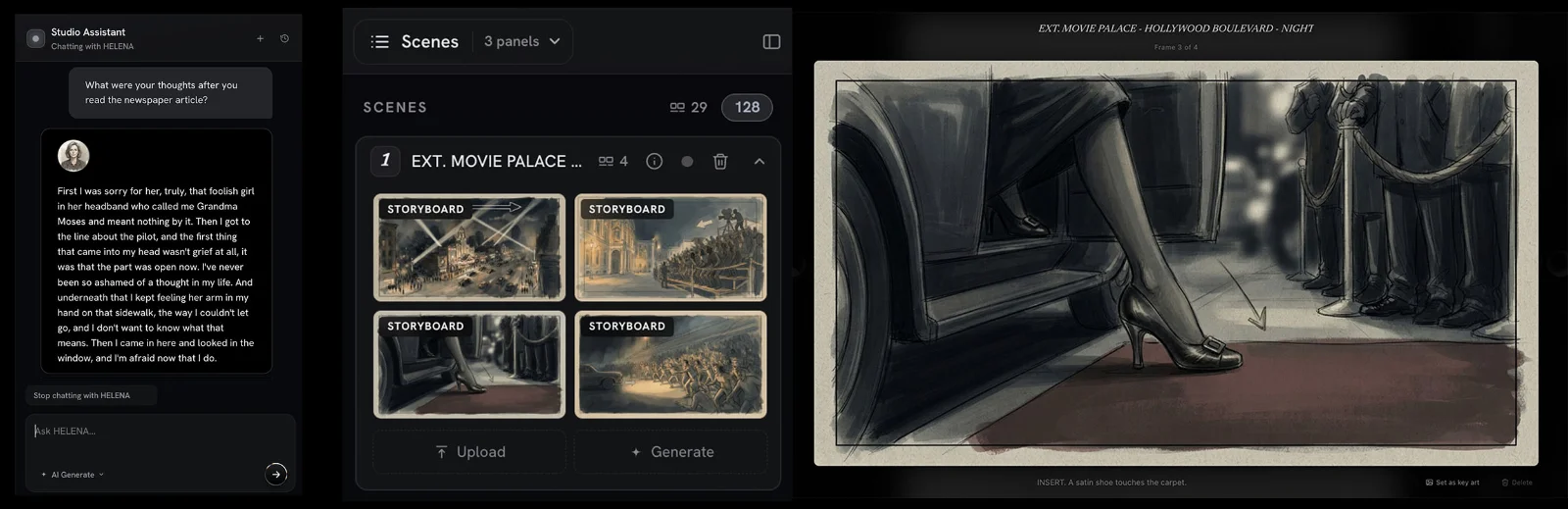
Have you ever read a book, or watched a film, and wondered what was going through a character's mind, or wanted to dig deeper into a scene with the person living through it? That's the idea behind Interactive Character Chat. You can ask a character how they feel about everything that's happened to them up to that point in the story, and they'll answer in their own voice, a bit like trading letters. They can't see the future, so they won't tell you how the script ends, but they might give you some ideas.
Storyboard Generation takes one scene from the editor, or every scene if you'd like, and suggests frames and shot options for it.
The two features work very differently, but they're aimed at the same problem. After enough drafts, you lose the ability to read your pages as anyone other than yourself. Both of these are ways to get a little of that distance back.
Interactive Character Chat
Interactive Character Chat lives in the Studio Assistant. Choose a character and start chatting.
It's most useful when you're stuck in a specific way. Something big has just happened to one of your characters. Maybe their brother didn't show up to the funeral, or a deal fell apart right in front of their boss. You know what they do next, but you aren't sure how they feel about it. It's the same curiosity you might have about what Luke Skywalker was thinking, beyond "No. That's not true. That's impossible!", when Darth Vader tells him he's his father, except that with your own characters you can actually ask.
Keep in mind that the answers are an interpretation of the character based on your pages, and a lot of the time that interpretation will sound right. I'd pay the most attention to the answers that sound wrong. If a character tells you they're relieved and you know they're furious, you now have to put into words why they're furious, and that explanation often turns out to be the note the scene needed.
It's the same curiosity you might have about what Luke Skywalker was thinking, beyond "No. That's not true. That's impossible!", when Darth Vader tells him he's his father...
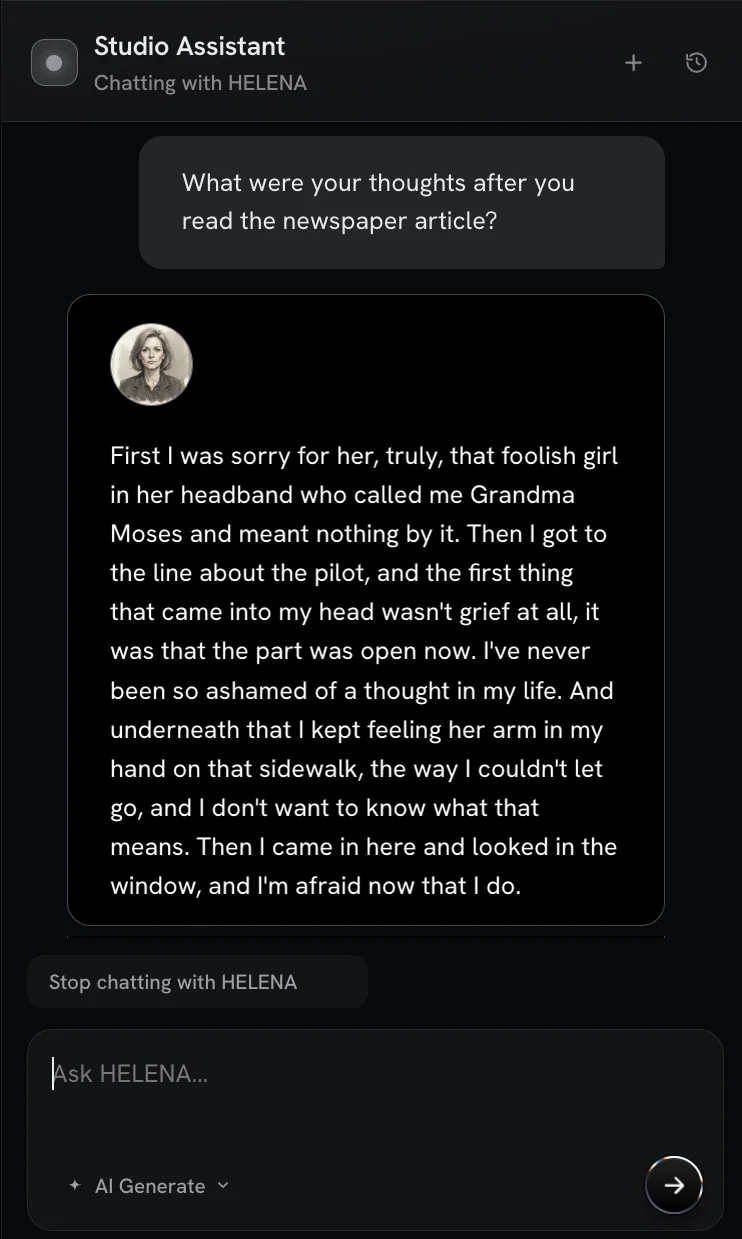
Character Chat also comes in handy when you join a script someone else started. Co-writing means inheriting characters you didn't create, along with a history you weren't there for. Before you rewrite a character's big decision, ask them what they were thinking at the time, or just say "Hey, how's it going?" They'll tell you how it's going and how they've been feeling.
Instant Storyboard Generation
Storyboard generation works from the write view of the script editor:
- Click a scene in the side panel to expand it.
- Click Generate. The Studio analyzes the scene and suggests the shot options it thinks fit best, along with draft frames.
- Open Storyboard View to see all of your frames in one place.
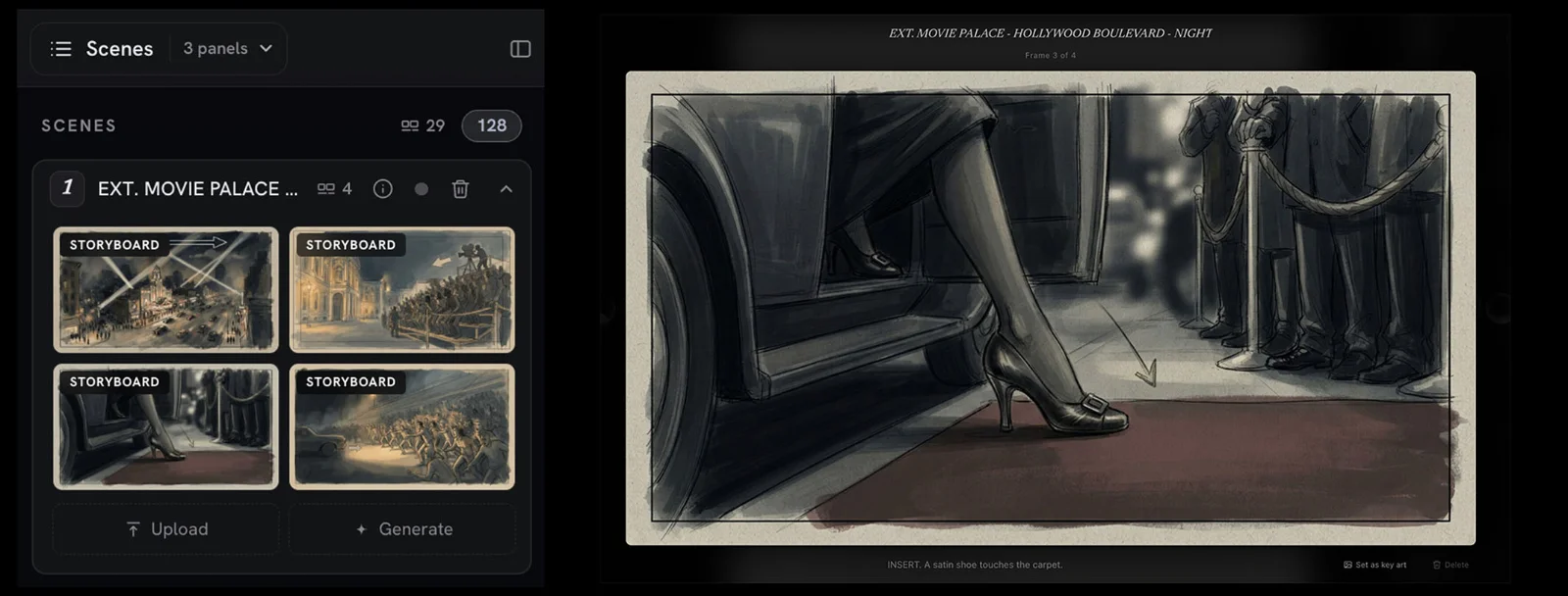
None of this changes the rule that a spec script shouldn't direct the camera. The shot suggestions are there for you to look at and don't belong in the script itself. For a writer, the useful part is what the frames show you about your writing. If every frame for your parking garage scene comes back looking about the same, it may be a sign that your action lines aren't giving the reader enough to picture.
This is a good thing to check this month, with horror season here. So much of a scare comes down to framing, like where the figure is standing when the light comes on, or how much of the hallway we can see before it does. Looking at a few different versions of that moment will tell you whether your description places it clearly or leaves the reader guessing. And if you plan to direct the script yourself, the frames give you a rough first pass at a shot list.
Seeing a run of scenes in Storyboard View
Once you've generated frames for a stretch of the script, Storyboard View is where I'd spend some time. Laying frames side by side shows you patterns that are hard to catch one scene at a time. You might find that every scene opens on a wide shot, or that the middle of the film is two people at a table over and over. Neither one is necessarily a problem, but both are much easier to notice in pictures than on the page.
Which plans include these features
The best part: These features are included on every plan, from Free up to Studio Max. Like the Studio's other AI features, they use credits.
If either one does something you didn't expect, good or bad, I want to hear about it. The same goes for any feature ideas you think Premiere.Studio should tackle. Send questions or suggestions to Support@Premiere.Studio. As always, I'm glad you're here and that you're part of this journey.
— Justin
More from the Newsroom
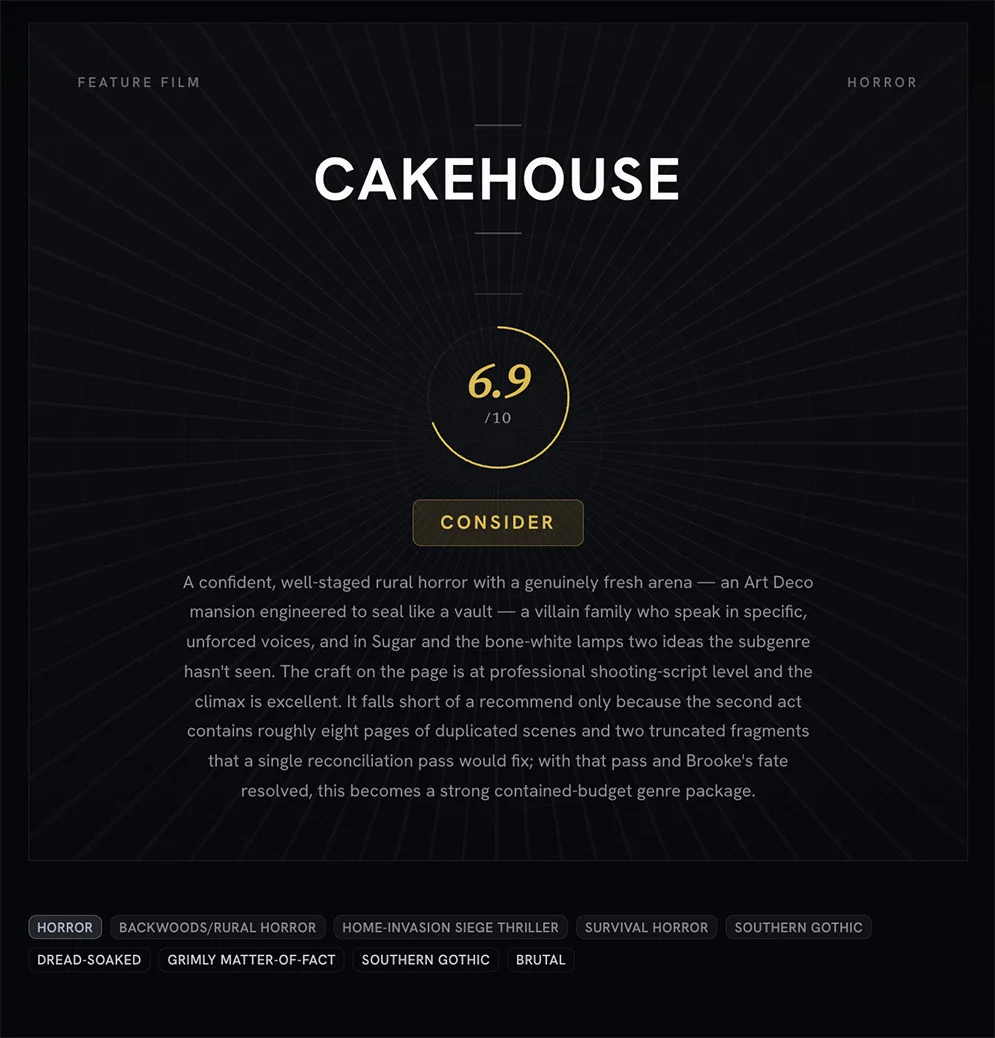
Treat coverage like a progress report and not a final grade
An introduction to what Premiere.Studio's coverage feature is for, and how to read the progress report on a draft without turning it into a final grade.
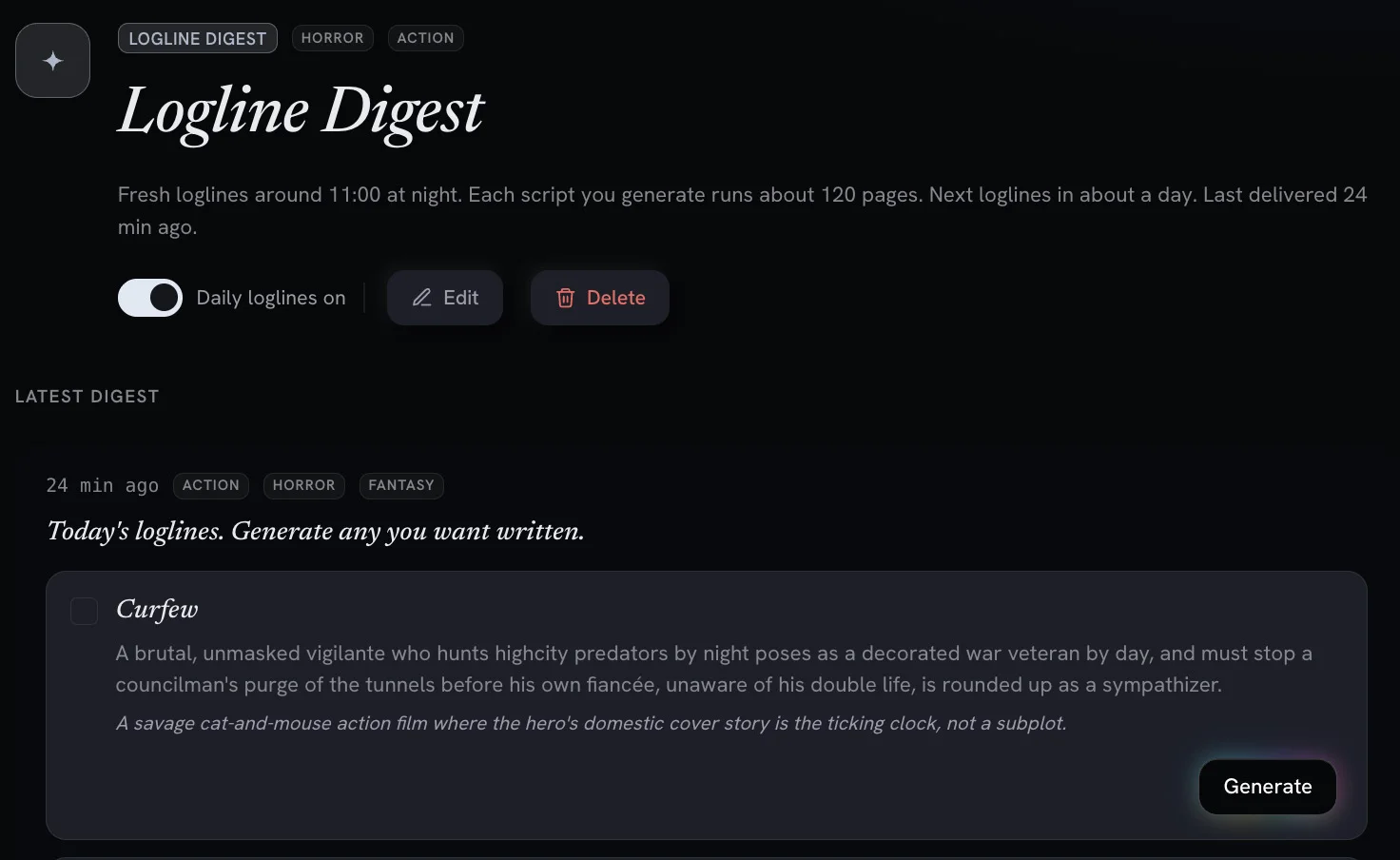
Digests and Workflows: AI Powered Screenwriting Automation Tools
Recurring, automated workflows deliver daily logline previews and digests you can turn into full feature scripts with one click.

What actually changes when you turn scattered notes into an outline
Most of us keep a script in five places at once. Here is how I move a pile of notes onto the Premiere.Studio outline board, and when I leave the pile alone.