Product · September 16, 2026
Digests and Workflows: AI Powered Screenwriting Automation Tools
Recurring, automated workflows deliver daily logline previews and digests you can turn into full feature scripts with one click.
Heat ripples off the asphalt as the paperboy comes down the street low over the handlebars, sweat blurring the world into white sky and green hedge. The porch is a strip of shadow under a sagging awning, and his hand is already in the bag as his fingers find a familiar angle for leverage. He doesn't brake. He leans into the curve and lets it fly, a sidearm snap that sends the paper spinning over the boxwoods to crack against the porch boards and stop six inches from the mat. He's gone behind the neighbor's oak when the screen door groans open. An elderly man steps out in a plaid robe, coffee steaming in one hand despite the heat. He takes a long sip before reaching down to pick up the paper.
What if, as a Screenwriter or Studio Executive you could enjoy this same kind of routine every day? Pour your morning coffee, visit Premiere.Studio, and read through five loglines tailored specifically to your criteria. Pick the one, or the many that pique your interest, and have them generated into full feature-length film scripts before you finish that same coffee. Sounds pretty cool. Right? Well, I've been using it for a few months now and I like to think it is! So, now it's time to share it with you as well.
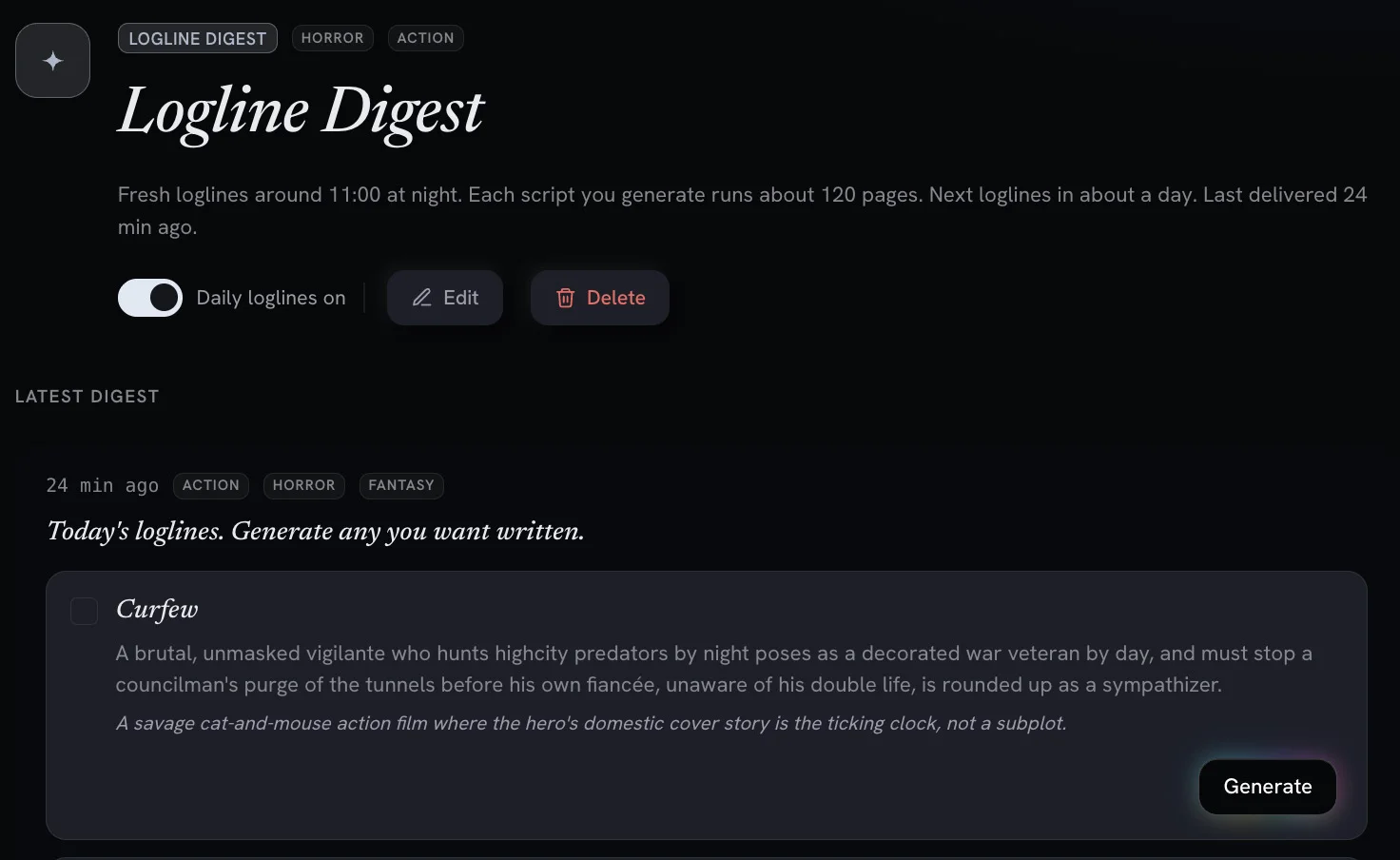
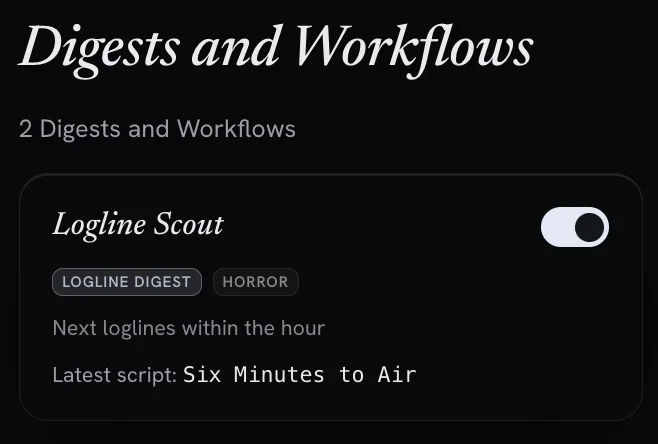
Enter Digests and Workflows in Premiere.Studio. You set a genre (or pick a random genre!), story elements, and then set the frequency that you want your workflow to run, and Premiere.Studio pitches premises on that schedule. Five loglines, waiting when you sit down. Take one and turn it into a draft with a single click. Don't want to select from a pitch deck of loglines? You can skip the Logline Digest and skip straight to the first draft of a feature length script that appears in your notifications. You also can run more than one at a time, so a horror workflow and a half-hour comedy workflow can tick along without either one noticing the other. It's one of my favorite features in Premiere.Studio. Here is how I use it.
What a digest actually is
A digest is a recurring job. You describe what you want pitched, such as a genre, a tone, or a constraint you keep returning to, and pick how often you want it. The Studio runs in the background and what comes back is a short list of premises or story previews.
To be clear: They are not scripts (yet). They are the kind of fragment of a story or an idea you'd write on a napkin while enjoying happy hour. Yes, you'll skip some but you'll also stumble on some really interesting stories.
From a logline to pages
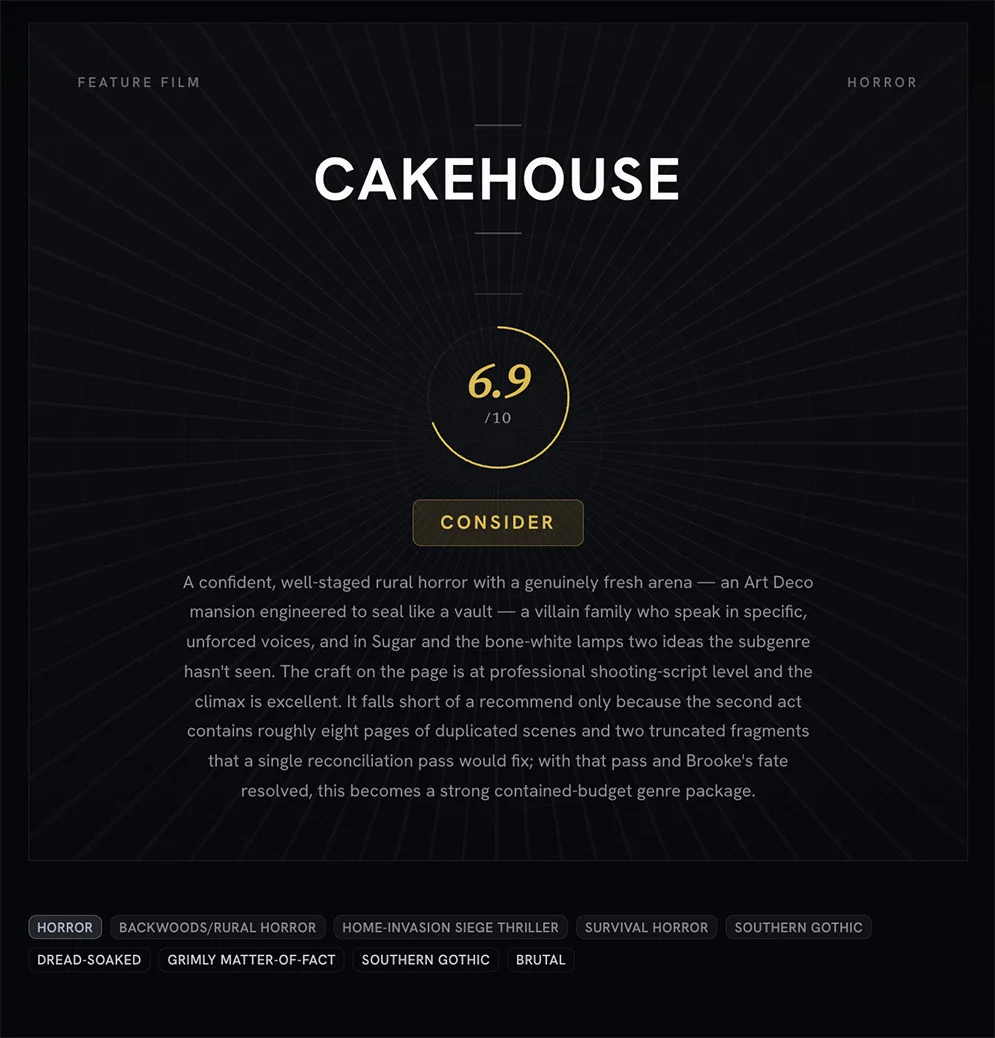
Once you find a logline that interests you then click "Generate". This will cue Premiere.Studio to begin generating a full film script using the premise from the logline you selected and the workflow criteria that helped create it. Any premise in a digest can be managed after the generation just like any other project in Premiere.Studio. You'll get an outline, a list of scenes, character cards that you can push around, and you can even generate coverage reports for your generated scripts.
You can also configure the workflow to keep going on its own by skipping the logline digest and just generating the script. It is there for people running a volume of concepts and wanting something to read rather than something to consider. If that is not your situation, the Logline Digest route is the way to go.
Running several at once
Workflows run in parallel and, as long as you have the credits to perform the generation, you can run multiple jobs at once. One brief does not bleed into another. In practice this means you can keep a slate warm without keeping it in your head: the sci-fi thing you're serious about, the comedy pilot you're just not that into yet, and a third that exists only because you were curious. Those are my favorites!
There's even the case to be made for large and mid-major studios to embrace and fire up the Digests and Workflows feature. It really does open up a lot of doors for creative exploration of new ideas and stories to be told at little cost comparitively.
Some secrets to success with Digests and Workflows
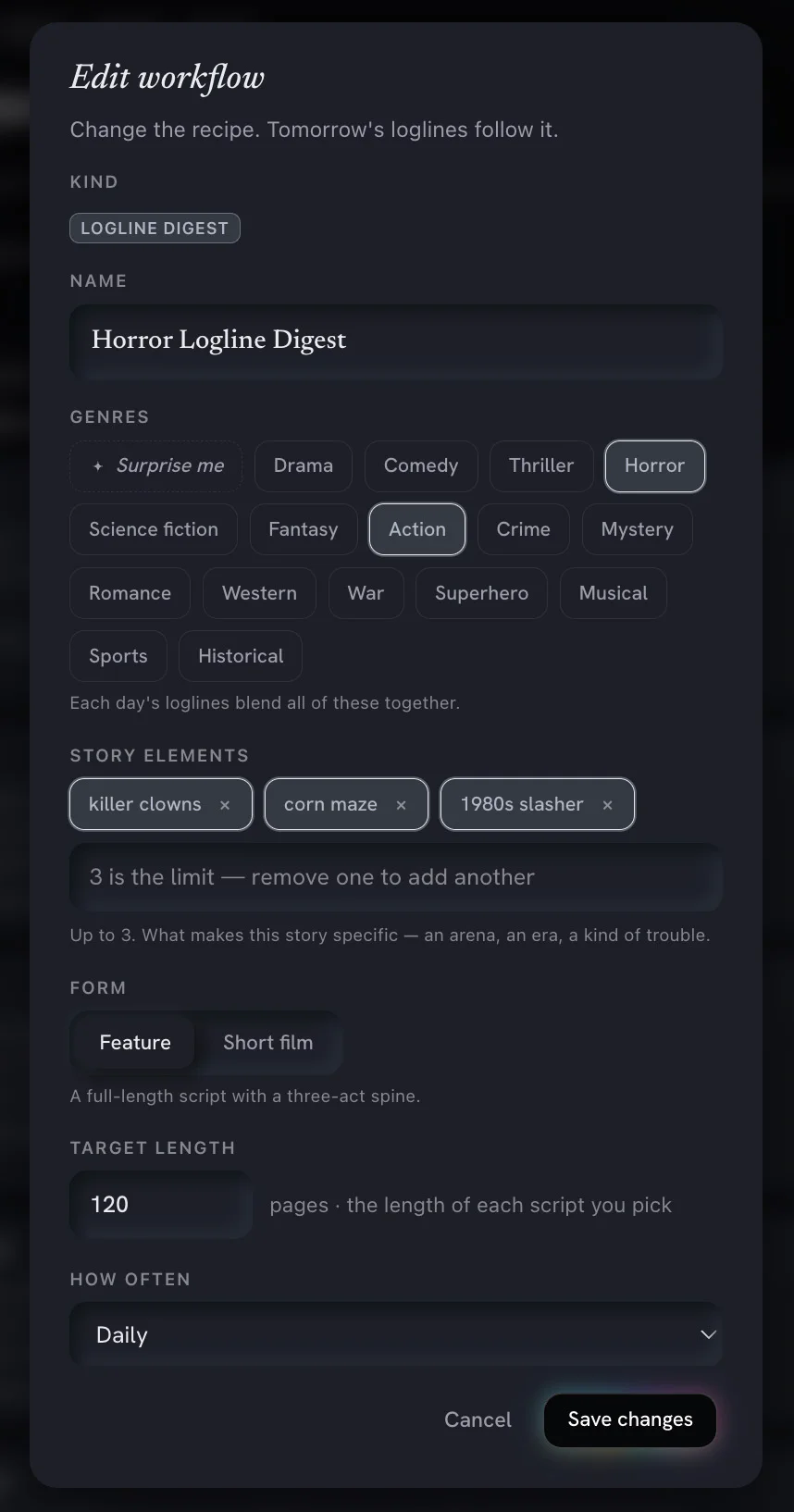
It does not know what you care about yet. It can be instructed which genre (up to three!) and a factor in some story elements to help guide the digest. For example, a horror genre film can take the form of many types of stories and that's where "Story Element" tags can be useful. Story Element tags allow you to expand into the genre of the story you want to generate. Let's take our horror genre film but we want to make sure that it has killer clowns, a corn maze and happens in the 1980s. We would add these as Story Element tags. Premiere.Studio is pretty great at seeing these tags in conjunction with the genre and formulates some really interesting stories!
There is a mid-September case for it too. We are in the midst of the Toronto Film Festival with the New York Film Festival on the way, the fall calendar is filling, and this is the stretch where people decide what they're developing through winter. A short list every morning is a cheap way to keep that decision in front of you.
Digests and workflows are live in the Studio now for all account types. (Credits required). If you're already inside, the setup lives with the rest of your project tools and takes only a minute.
As always, the part that matters is still you. The Studio can hand you a starting point and it's up to you where you take it from there. I can't wait to see what you share in The Lot and if there's any feedback or suggestions you might have to help improve Digests and Workflows feature then feel free to email me at Support@Premiere.Studio. I'd love to hear from you!
— Justin
More from the Newsroom
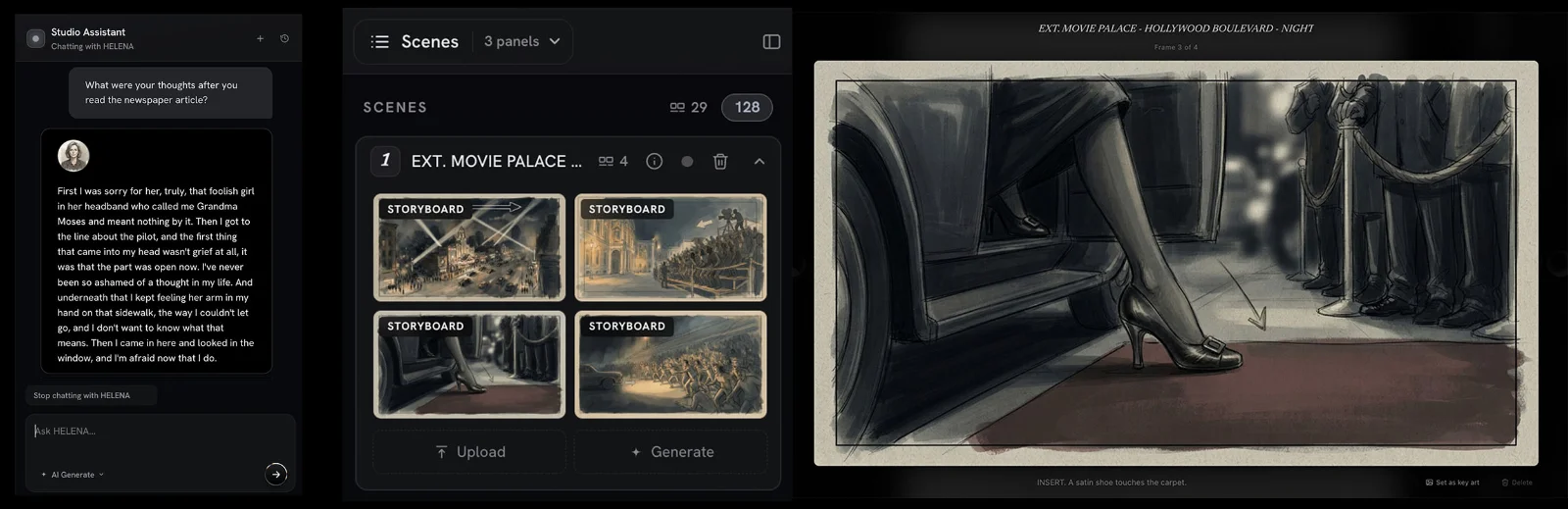
New in the Studio: Interactive Character Chat and Storyboard Generation
Two new features went live in Premiere.Studio this month. Interactive Character Chat lets you talk with any character in your script to peak into what they are thinking, and Storyboard Generation drafts frames and shot options from your scenes. Here's how to use them.
Treat coverage like a progress report and not a final grade
An introduction to what Premiere.Studio's coverage feature is for, and how to read the progress report on a draft without turning it into a final grade.

What actually changes when you turn scattered notes into an outline
Most of us keep a script in five places at once. Here is how I move a pile of notes onto the Premiere.Studio outline board, and when I leave the pile alone.